A single creative idea rarely stops at one file. A song might need cover art and a video teaser. A product clip might need a script, visuals, captions, and a final edit. The best AI tools for content creators serve different parts of that process. This guide helps you choose a starting point according to the work you need to do.
For a project that needs music and visuals together, begin with SynthPulse. Add a specialist when you know which part of the workflow needs more attention.
How this guide was prepared
We checked each product’s public feature pages on September 28, 2026, and compared three practical questions: what you start with, what the tool helps you make, and what work remains afterward. This is a research-based buying guide, not a hands-on performance test. AI tools assisted with drafting and the labeled editorial illustrations; product descriptions were checked against the official product pages named in each section. Plans, credits, and rights can change, so verify those details on the product site before paying.
The quick list
- SynthPulse: Create songs, images, videos, and music-led short films in one studio.
- OpenArt: Explore image generation, image editing, characters, and visual storytelling.
- PixVerse: Generate video from a text prompt or an image.
- OiiOii: Develop animated stories and scenes with an animation-focused workspace.
- InVideo: Make and edit videos with AI creation and conventional editing tools.
- CapCut: Polish clips with editing, captions, and social video tools.
- Lorka AI: Brainstorm scripts, captions, and content ideas with several chat models.
| Start with | First tool to compare | Why it fits |
|---|---|---|
| A song you want to create, then visualize | SynthPulse | Its short-film flow starts with a finished SynthPulse track. |
| A finished track from another source | OpenArt | Its Music Video tool accepts a track you bring. |
| A still image or a visual prompt | PixVerse | It centers on text-to-video and image-to-video generation. |
| A script and recurring animated characters | OiiOii | Its storyboard can be reviewed shot by shot. |
| Clips or a brief that need assembling | InVideo | It combines AI creation with an editable video timeline. |
| A nearly finished social clip | CapCut | Captions, trimming, and format changes sit in the editor. |
| A rough idea that needs a script or hooks | Lorka AI | Its chat workspace helps develop the words before production. |
1. SynthPulse: Start with a song and build the visuals around it
Best for: Creators who want a song, artwork, and a short video to come from the same idea.
SynthPulse brings music, image, and video creation into one studio. You can describe a song and generate a track with lyrics and vocals, create an image from a prompt or uploaded photo, and make a short video from text or an image. Its short-film flow begins with a finished SynthPulse song: choose a section, guide the visual scenes, and combine the generated clips with the music.
That connected workflow makes sense for a musician preparing a release teaser, a creator building a visual story around a track, or a small team making several assets from one concept. If you are comparing the best AI music generator options, ask whether you also need cover art and video from the same idea. Start with one song and one scene, then decide whether a separate specialist would add useful control.
Know before you start: Signing up is free, but SynthPulse currently gives no free generation credits. Generating content requires a subscription or a credit pack. Commercial use depends on the terms of the specific model behind each result, so check those terms before client or paid work.
Official source: SynthPulse short-film workflow and free-credit FAQ.
2. OpenArt: Experiment with images and visual stories
Best for: Exploring image concepts, editing artwork, and developing recurring characters.
OpenArt provides image generation and editing tools alongside video and audio features. Its product pages describe background changes, image expansion, character building, and video creation from text or images. The best AI image generator for your project depends on whether you need one finished picture or room to revise a character, background, and overall style. OpenArt is worth comparing when the visual identity needs several rounds of exploration.
If your starting point is a song and you also need cover art and motion, SynthPulse provides a direct path through those assets. OpenArt is worth examining when you want a workspace centered on visual experimentation. Compare the current export and usage terms before using generated work in a campaign.
Decision point: OpenArt also offers a Music Video workflow for a track you already have. That is a more relevant comparison than its image tools if you do not plan to make the song inside SynthPulse. Official sources: OpenArt image and character tools and Music Video workspace.
3. PixVerse AI video generator: Turn a prompt or still image into a clip
Best for: Creators who already have a visual idea and want to see it move.
PixVerse focuses on AI video. Its site offers text-to-video and image-to-video creation, along with templates and tools for characters and marketing clips. For an image to video project, start with a still image you can use, describe the movement you want, and compare a few outputs before building the final sequence.
Use SynthPulse when the clip is part of a song-led project; look at PixVerse when generating the video itself is the main task. Check the available formats, credits, and rights for the particular plan you choose.
Decision point: PixVerse can start from a still image, while SynthPulse’s guided short-film path starts from a song made there. If you have only one image and need one moving shot, test that smaller job before choosing a multi-scene workflow. Official source: PixVerse text and image to video.
4. OiiOii: Build an animated story scene by scene
Best for: Animation concepts, characters, and short narrative videos.
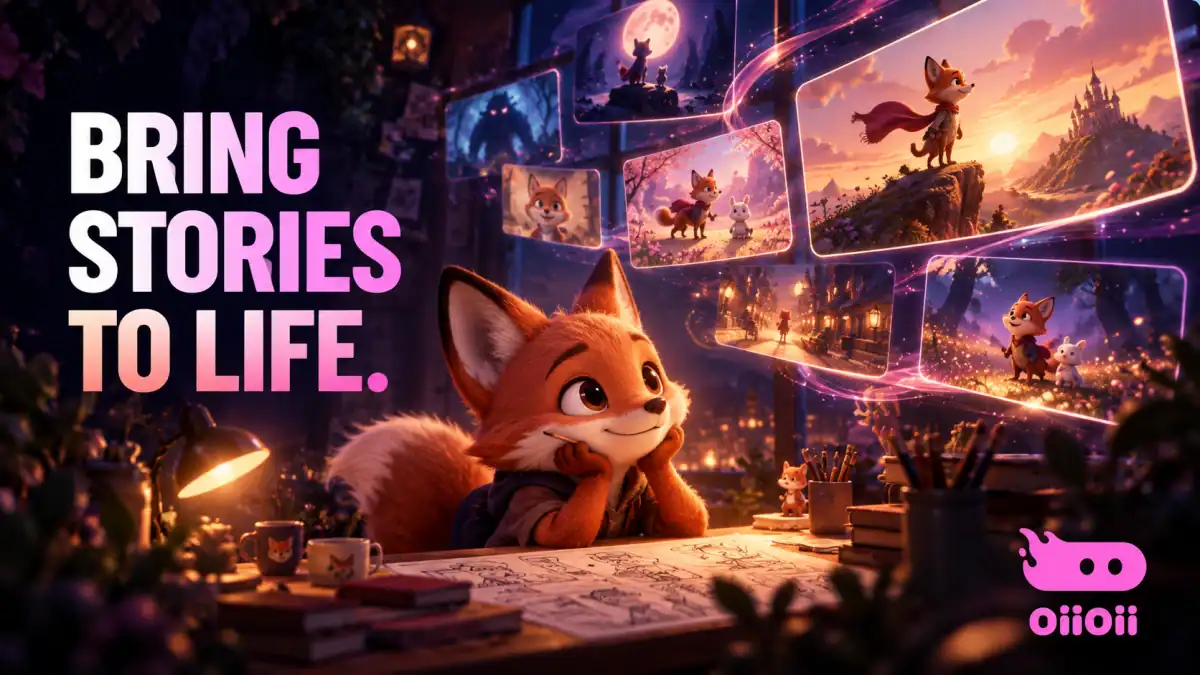
OiiOii presents itself as an animation-focused workspace. Its site lists storyboarding, character design, scene design, text-to-video, and music-video features. Those tools make it a relevant option when a project calls for an illustrated or animated sequence rather than a single stand-alone clip.
Start by defining the character and scene you want to keep consistent, then test a short segment before planning a longer story. The public site describes the workflow, but the finished style and consistency will depend on your prompts and the tools available in your account.
Decision point: OiiOii says you can revise storyboard panels, shot order, prompts, and reference images before generating the final video. That matters when a recurring character and sequence are more important than one quick clip. Official source: OiiOii story animation workflow.
5. InVideo: Create and assemble a video
Best for: Creators who need both AI-generated video elements and an editing workspace.
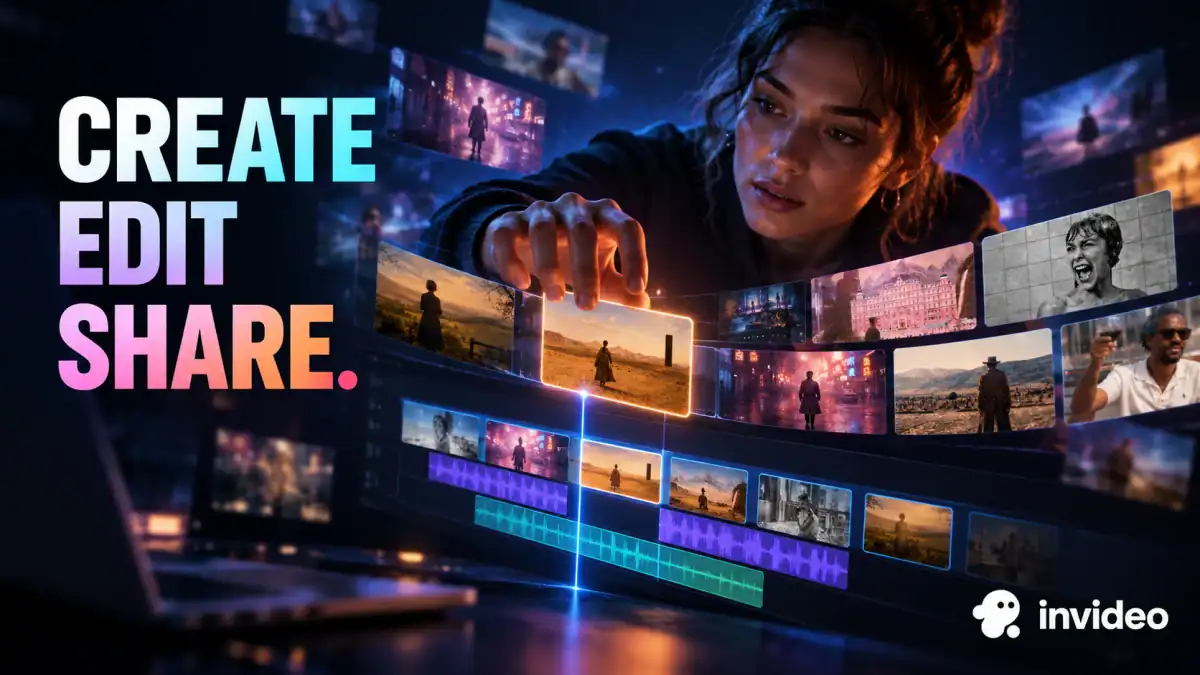
InVideo offers AI video creation tools, including text-to-video and image-to-video, as well as an online editor. It fits a workflow where you need to put clips, narration, and other assets into a finished piece. For example, you could sketch a short explainer, generate or import the visual material, then refine the order in the editor.
The distinction to consider is the work you still need to do after generation. If your project revolves around a finished song and AI scenes, start with SynthPulse’s short-film flow. If assembling and revising a broader video is the main job, inspect InVideo’s editing tools and plan limits.
Decision point: InVideo’s online editor describes a timeline for arranging imported media and refining a cut. If your deliverable needs several clips, narration, and manual changes, inspect the editor before comparing only text-to-video samples. Official sources: InVideo text-to-video and online editor.
6. CapCut AI video generator and editor: Finish a social clip
Best for: Editing, captions, and final changes before posting a short video.
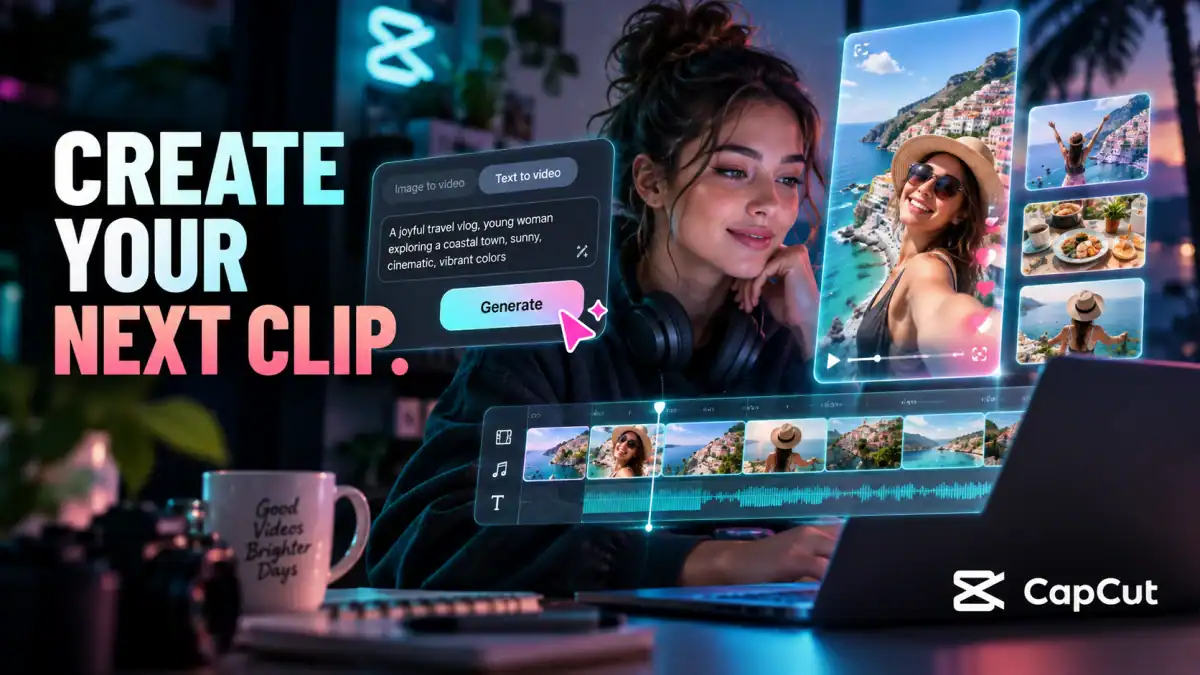
CapCut combines an online video editor with AI features such as video generation, auto captions, background removal, and text to speech. It is useful near the end of a workflow: trim a clip, add captions, adjust the format, and prepare a version for the platform where it will appear.
You can generate the core song and visuals in SynthPulse, then use CapCut if the final post needs more detailed editing or captions. The CapCut AI video generator is another option when you want to create a clip from text or images inside the same editing environment. Check the current export, watermark, and commercial-use conditions for the tools you use.
Decision point: If the footage is already usable, captions and framing may improve the post more than generating another clip. CapCut publishes separate pages for its AI video tools and auto captions; check which feature your plan includes.
7. Lorka AI: Plan the words before making the assets
Best for: Brainstorming a concept, outlining a script, and drafting captions.

Lorka AI is a multi-model AI chat platform. Its site emphasizes access to several chat models in one place. For a creative project, that makes it a possible planning tool: outline a 30-second video, generate alternate hooks, or draft a shot list for review.
Treat those suggestions as drafts. Check names, facts, and any claims before using them in a public post. Lorka serves the planning stage in this list; its public product description does not establish it as a dedicated music or video editor.
Decision point: Use Lorka to compare alternate hooks or turn a brief into a shot list, then move the approved words into the creation tool. It is a planning choice here, not a substitute for the editors above. Official source: Lorka AI product overview.
How to choose a starting point
If you need one idea to become a song, artwork, and a music-led video, start with SynthPulse. If you already know the bottleneck, choose the tool that addresses it: OpenArt for visual exploration, PixVerse for a generated clip, OiiOii for an animated story, InVideo for creating and assembling a broader video, or CapCut for the final edit. The best AI video editor for you depends on whether you need to assemble a longer piece or simply polish a short post. Lorka can help shape the script and captions before production.
You can also combine tools. Make a song and an initial scene in SynthPulse, explore alternate imagery in OpenArt, then add captions in CapCut. Each extra service adds its own credits, export rules, and usage terms, so keep the workflow as small as your project allows.
Before you commit to a plan, check each product’s current pricing, generation limits, output rights, and commercial-use rules. Those details can change, and the rights for a personal post may differ from those for a client campaign.
What is the best AI music video generator for a finished song?
Start with the track you have. SynthPulse’s guided short-film flow uses a finished SynthPulse song and lets you direct the visual scenes around a chosen section. OpenArt also describes a music-video tool for a track you bring to it. If you already own the song, check OpenArt first; if you want to create the song and visual sequence in one workspace, check SynthPulse first. Neither choice guarantees a good final cut: compare a short test clip and the current usage terms before planning a full release.
Ready to make the first version? Start with SynthPulse and build a song, an image, or a short video from your idea.
Some product links in this guide are affiliate links. If you buy through them, Fivoraco may earn a commission at no extra cost to you.